
Monday, January 14

Monday, January 7
Maya and what have you
Here, by popular demand, is a screenshot of my Maya workspace. Note the organisation of the layers and the outliner.
Grades, you know.

Grades, you know.

Saturday, January 5
It's coming along nicely!
I know there's only a tiny bit left to put in (and even that's animated and half-rendered), but I couldn't resist putting up what I've completed so far. The audio took ages to tweak so that the different sounds and music worked together, but it's finally reached a point where I can import the final segment, export the video and not worry about it.
Friday, December 7
Thursday, November 15
3D Animation Test 2
This test is a bit too fast-paced (no worries, I'll just bung a few more frames in), but the main movements and expressions (excluding little superfluous twitches) seem okay.
Wednesday, November 14
On set
I'm still working on the lighting (I don't want it to be too dark to see the characters) and I need to texture the sidewalk in the background, but I'm happy with how it's looking.


Monday, November 12
Sunday, November 11
Monday, November 5
On the dope
Here is the dope sheet for the initial dialogue between Norman and the cop.
'Chico' is the cop, and 'Groucho' is Norman, by the way - I forgot to re-name the voices whilst doing the dope sheet, so I have them under the names of their original speakers.

Thursday, November 1
Tuesday, October 30
Final Animatic
I tweaked a few camera angles to give it more dynamism. Also, I gave up trying to sample the second Groucho line - it's just really hard to come by. I replaced it with a shrug.
Monday, October 29
Outta the way, Cool Guy coming through
And thus began the animations proper!
I tried the walk cycle with a double bounce initially, but before I had even finished it I could see that it was just a little bit too happy for the scenario. Making him go bounce-bounce for every single step looked like he was too overtly, exhaustingly happy.
I reduced it to a single, distinct bounce, and eventually went with this walk cycle, which I'm quite pleased with.

*sniff*
Monday, October 22
This animatic is not finished. Nearly, but not.
Here is the animatic! You know I mean business because the font's in BOLD!
And no, the animatic is not finished (just in case the title escaped you). I'm still hunting for the second sound clip ("Well, all the jokes can't be good..."), and I want to hear how the line's spoken before I put it down in animatic form.
Might just rip it from a DVD or something.
Hm.
Monday, October 15


Saturday, October 6
I've tweaked it
I've tweaked my storyboard. After a feedback session from Peter, I have adjusted and added a few shots in order to aid the narrative, including a distinctive close-up tracking shot to make the most of the 3D environment.
That's all I really have to say at this juncture. You might as well just look at the tweaked storyboard. Here.


That's all I really have to say at this juncture. You might as well just look at the tweaked storyboard. Here.


October 5, 2012
After days of obsessive hunting on the internet, I am saddened to report that there is still no sign of the elusive 'well, all the jokes can't be good' sound clip. It may be my malnourished mind playing tricks on me, but I'm starting to doubt the line even exists...
Nevertheless, I will continue my quest. May God have mercy. If this be my last message, I want my family to know that I love them.
Friday, September 28
And thus began the second year.
Hello! The second year has officially begun!

 I chose New York for my scene, because I liked the idea of working on a scene set on a city street. New York is so distinctive and full of character, so it was a natural place for the street to be set. This classic feel will be reinforced by the use of genre-relevant sound clips for the dialogue.
I then chose a scenario - mistaken identity. The main character - a pre-rendered character known as Norman - walks into shot from the left. Meanwhile, another character - the same Norman model but with something to identify him as a criminal - runs into shot from round a corner, carrying a briefcase with dollar signs on it, towards Norman. The criminal bumps into Norman, drops his briefcase, and continues to run out of shot. Norman picks up the briefcase out of curiosity - only for a police officer to appear from round the corner and confront him. Cue dialogue...


Delving straight back into a new project, we've been given the task of coming up with a layout, a 20-30 second scenario to take place within the layout and a sound clip to provide dialogue within the scenario. This will then be developed into a short 3D animated scene.


There are two sound clips, both of Groucho Marx. The first quote will be from the Marx Brothers' film Horse Feathers:
Chico (as the police officer): Who are you?
Groucho (as Norman): I'm fine thanks, who are you?At this point, the policeman gets out his nightstick and holds it to Norman's neck. Norman stumbles backwards, bumping into a rickety stack of crates. The crates wobble, and a bottle perched on the top falls off and hits the policeman on the head, incapacitating him. There's an awkward pause.
Groucho (as Norman): Well, all the jokes can't be good. You've got to expect that once in a while! ~ Quote from Animal Crackers (1930)Norman sheepishly steps over the policeman's body, and exits the shot to the right.


Friday, May 4
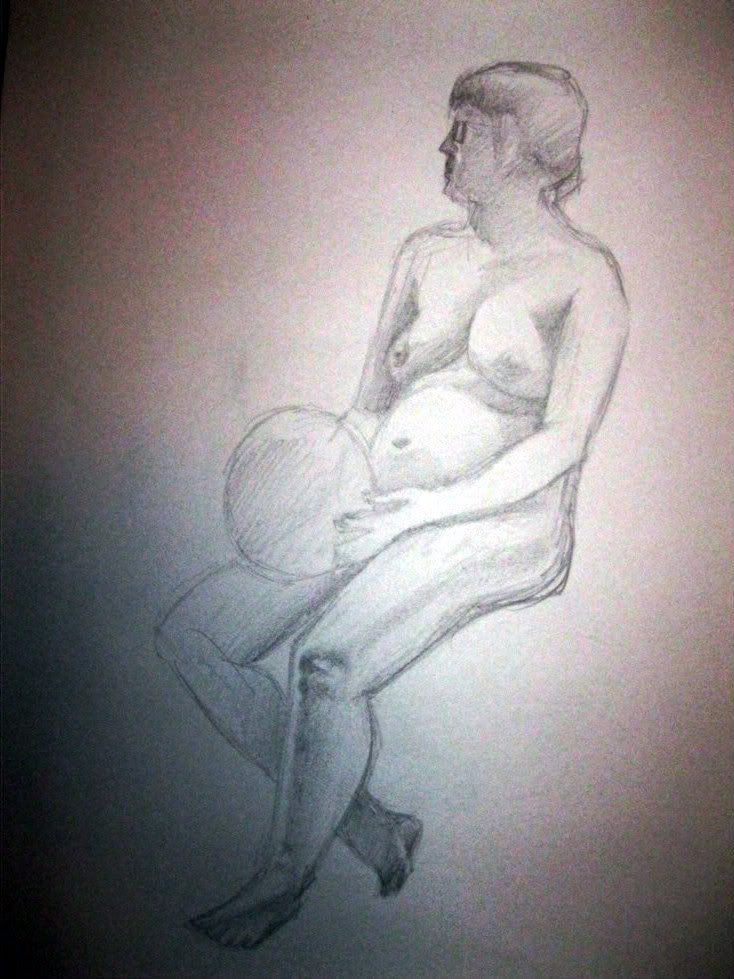
Drawing from past experience
Here are a couple of examples of my life drawing from this past term. The quality of the photos aren't great, but at least you can see where I put all the lines. And that's all that matters.


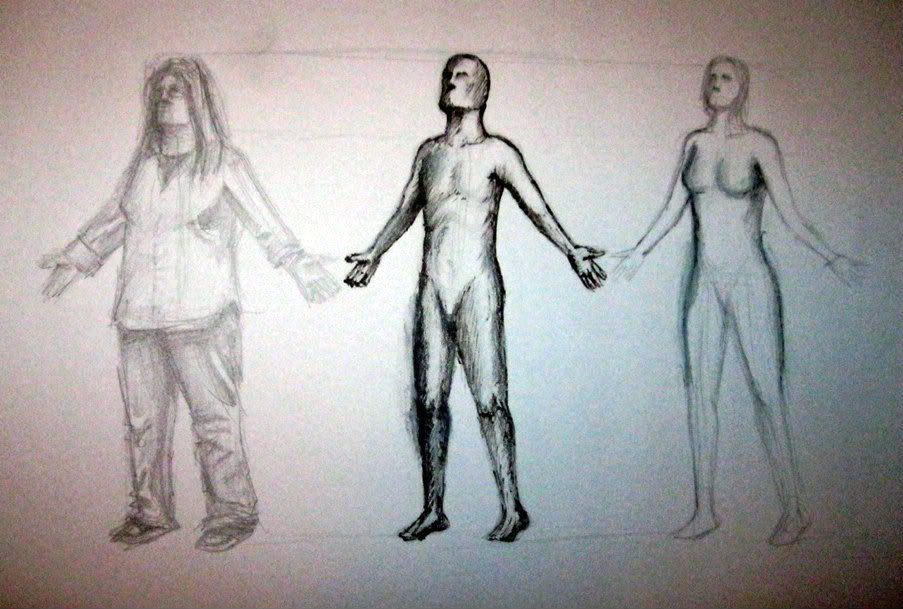

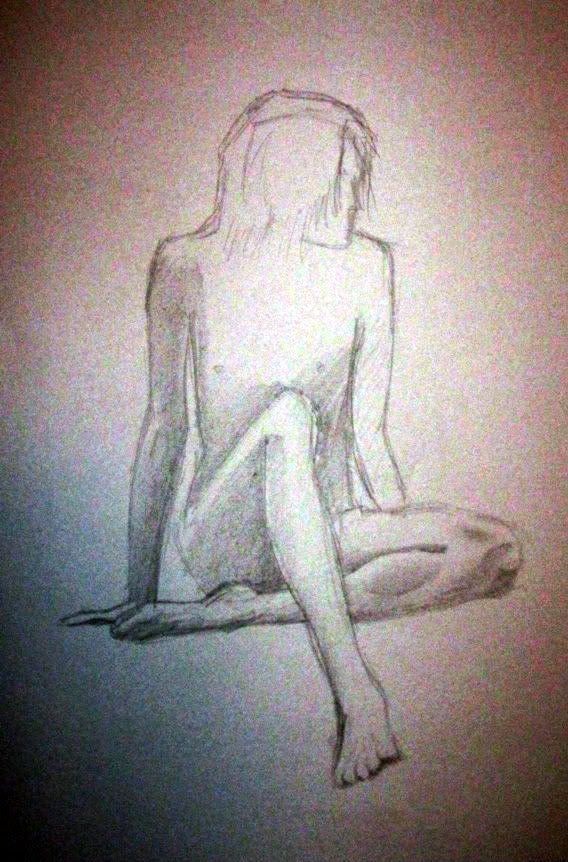
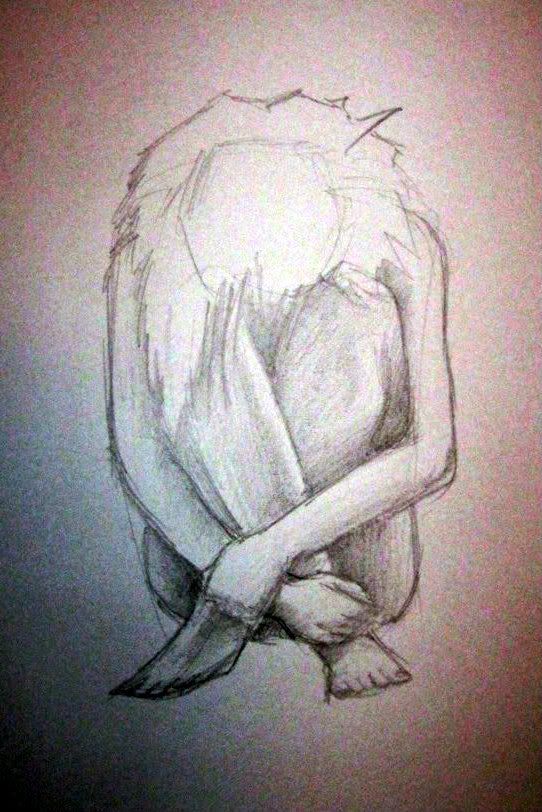
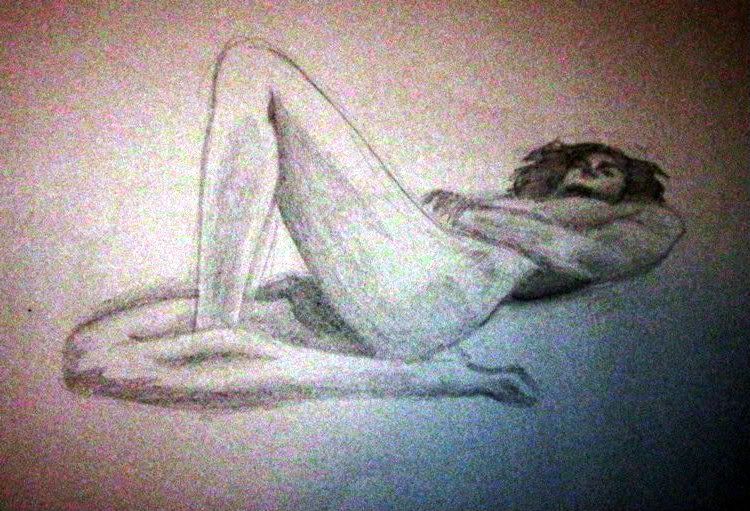

SPUD #6

Hello!
You may have heard the rumours, whisperings between anonymous figures in the shadows. Can it be true? Can the sting be truly finished?
Yep!
Improvements
I've re-recorded the squirrel's dialogue, as the original "testing" was a bit ugly and robotic sounding. Now he says "testing, one two..." and it's slightly high-pitched! How about that?Also, on the subject of sounds, Sam went and found a sound effect that would work for the moment where the side bit of the Roman helmet falls off and clatters to the ground. It gives it a bit of weight, and subtly enhances the humour of the moment.
Anyway!
Here it is, in all its Tex-icity and Avery-ness...

Sunday, April 22
SPUD #5
I exported the sting as it is at the moment (90% complete, I'd say), popped the Quicktime video into After Effects and added veeery subtle flickers and grains to the footage. Now, even moments of stillness are given a slight energy by having no two frames be exactly alike; it's as though each frame is an individually printed still on a film reel, subject to slight photographic changes that you wouldn't get with a digitally-produced video.
In addition, I blurred the video slightly, to remove that distinctive Flash animation sharpness. To retain the detail of the original footage, however, I made it so that the blurred version of the video was overlaid over the original, using the 'darken' blend setting.
 |
| Don't understand? I'll give you a hand! |
Picture (A) is simply a picture of a hand, drawn in Flash and exported as it is. It's very nice and all, but it's very clean. Clean can be a good thing, but when you want to subtly obscure the fact that it was made on a computer, such perfect sharpness can be a dead giveaway.
If you're trying to reduce the sharpness of the image, the next logical step is to blur the image, as demonstrated in picture (B). You reduce the sharpness, but you also lose the resolution. Leave it like this, and you might as well reduce the resolution of the video. And that's a big no-no. All that work, wasted on a low-res video where many lovingly-crafted details are indistinguishable! Imagine that! Gah!
So! That's why I settled on the method employed on picture (C). As mentioned earlier, I overlaid the blurred image over the original, setting the blend to 'darken'. The blur's still doing it's thing, darks blending into lights and lights blending into darks, but the original outlines can still be seen clearly. It's a happy compromise, and I really like the effect it has on the sting. Combined with the grain and the flicker, things look more old-fashioned and filmic.

Subscribe to:
Posts (Atom)